
The LT-100 family delivers professional USB and PCIe video capture with integrated H.264 encoding. Supporting SD to Full HD, legacy video inputs, and embedded or external audio.
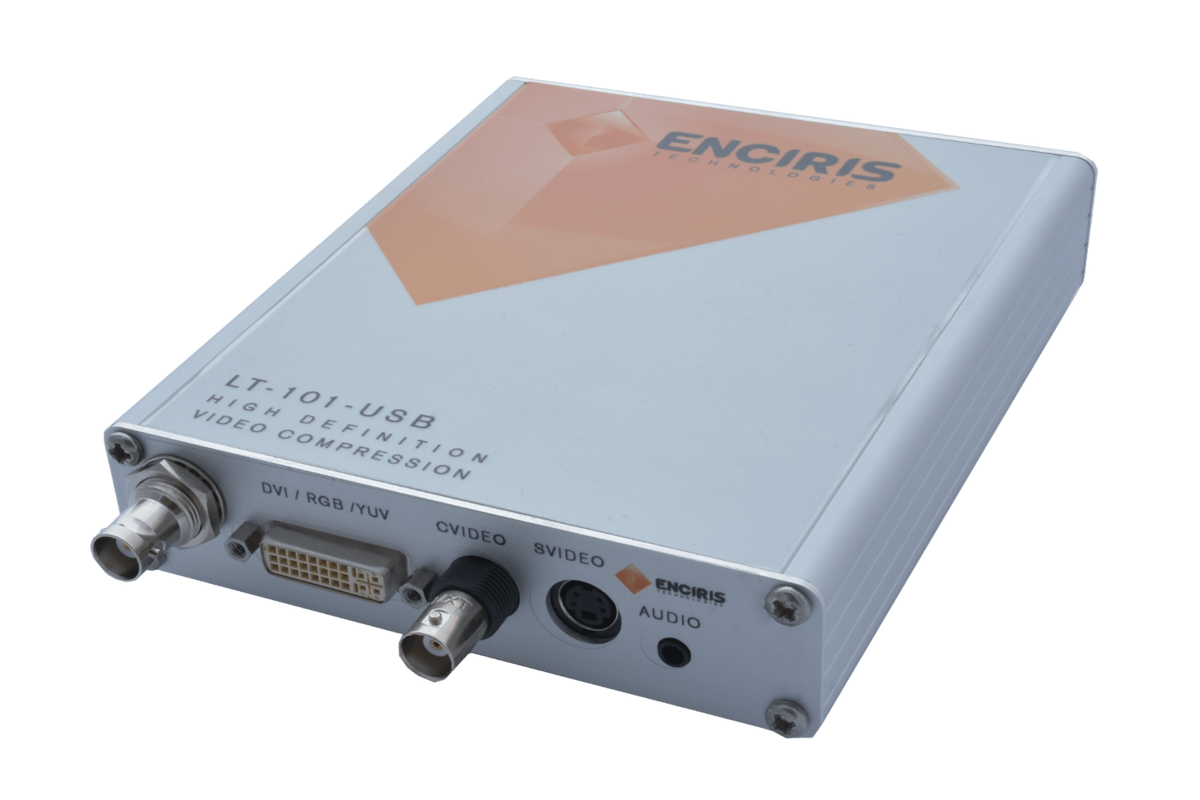
Standalone USB capture with one H.264 encoder, supporting Composite, S-Video, DVI-I, and optional SDI inputs. Handles SD to Full HD and legacy analog resolutions, with embedded or external audio.
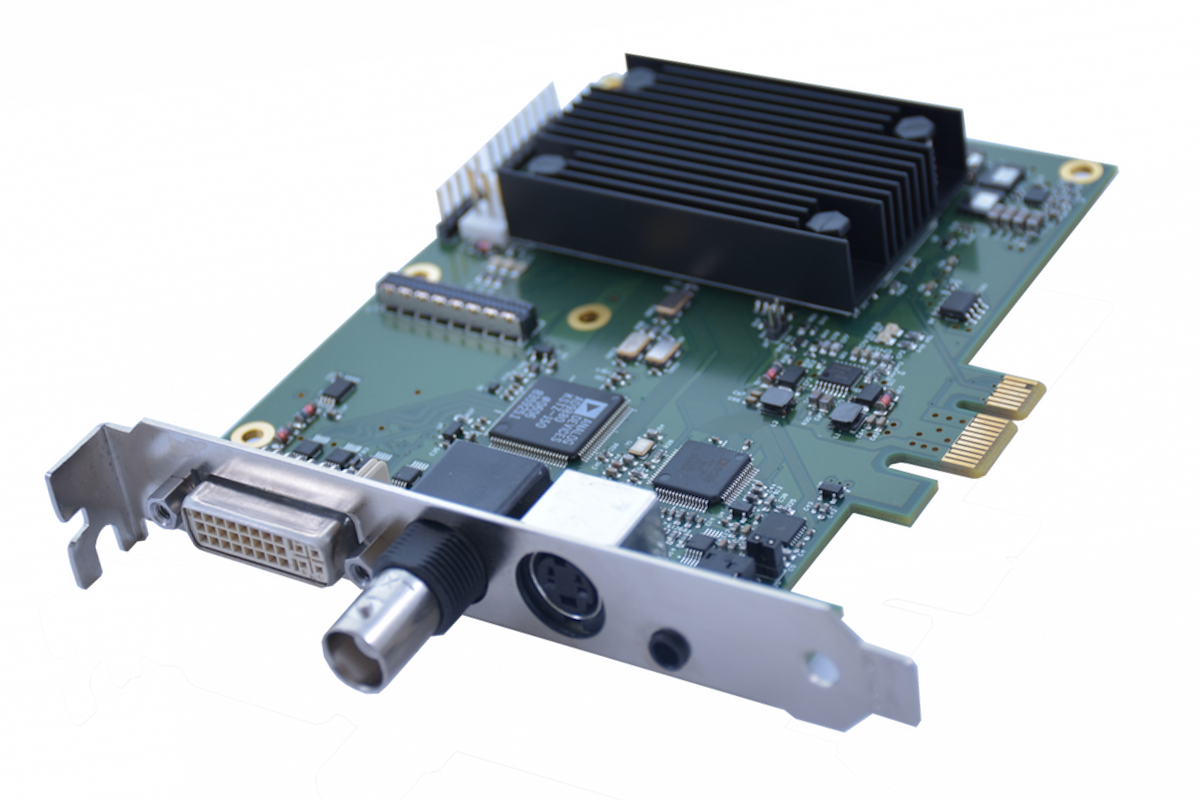
PCIe 1-channel capture with one H.264 encoder, supporting DVI-I, Composite, S-Video, and optional SDI. Handles SD to Full HD and legacy analog resolutions, with embedded or external audio.
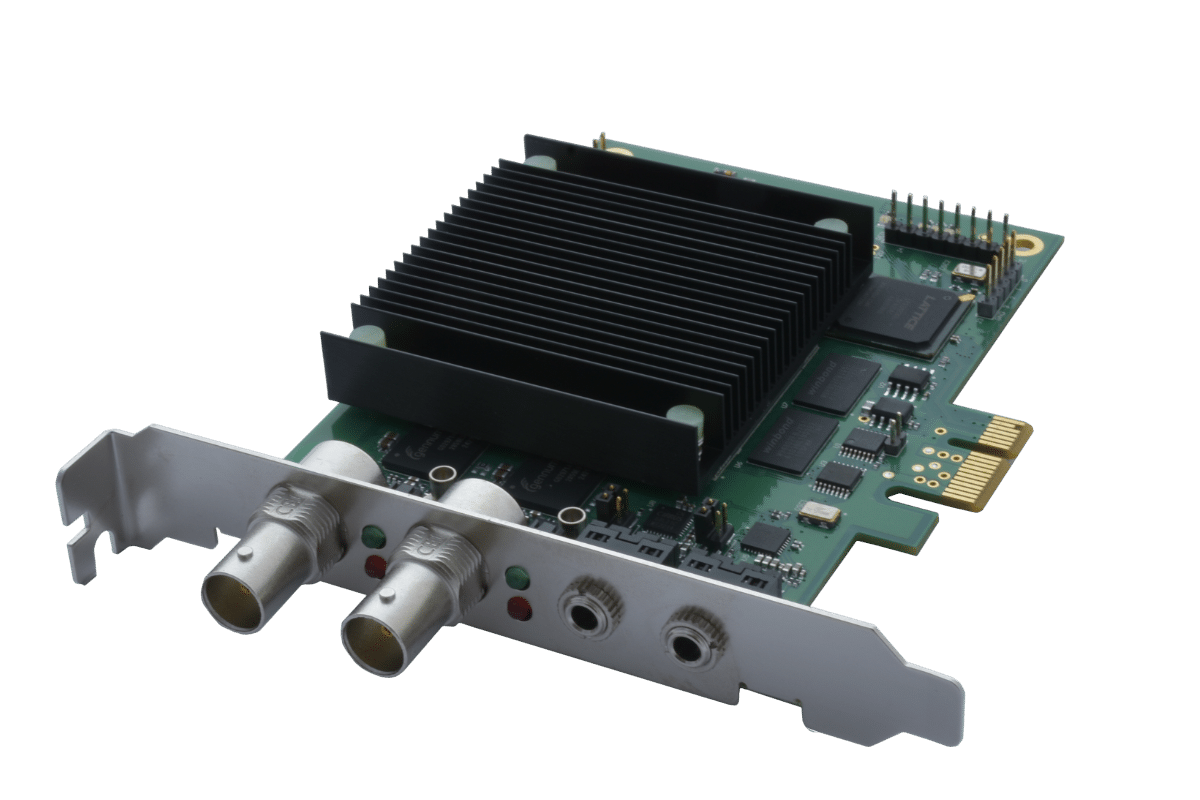
PCIe dual-channel SDI capture with two H.264 encoders and direct loopthrough on each input. Supports SD to Full HD video, with embedded audio and dual external audio.
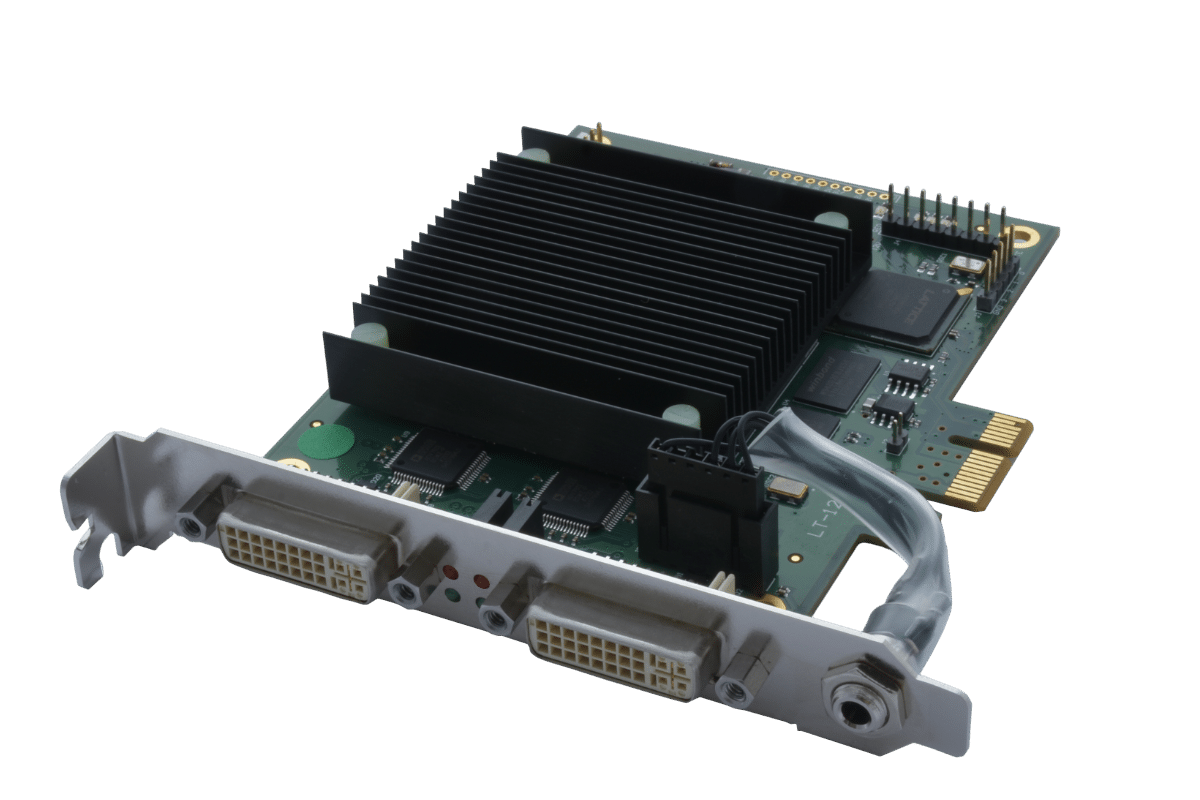
PCIe dual-channel DVI-I capture with two H.264 encoders. Supports SD to Full HD and legacy DVI resolutions, with embedded and optional external audios.
High-performance HD/4K multi-channel capture with intuitive software and dynamic overlays on HDMI loopthrough for smooth, real-time workflows.
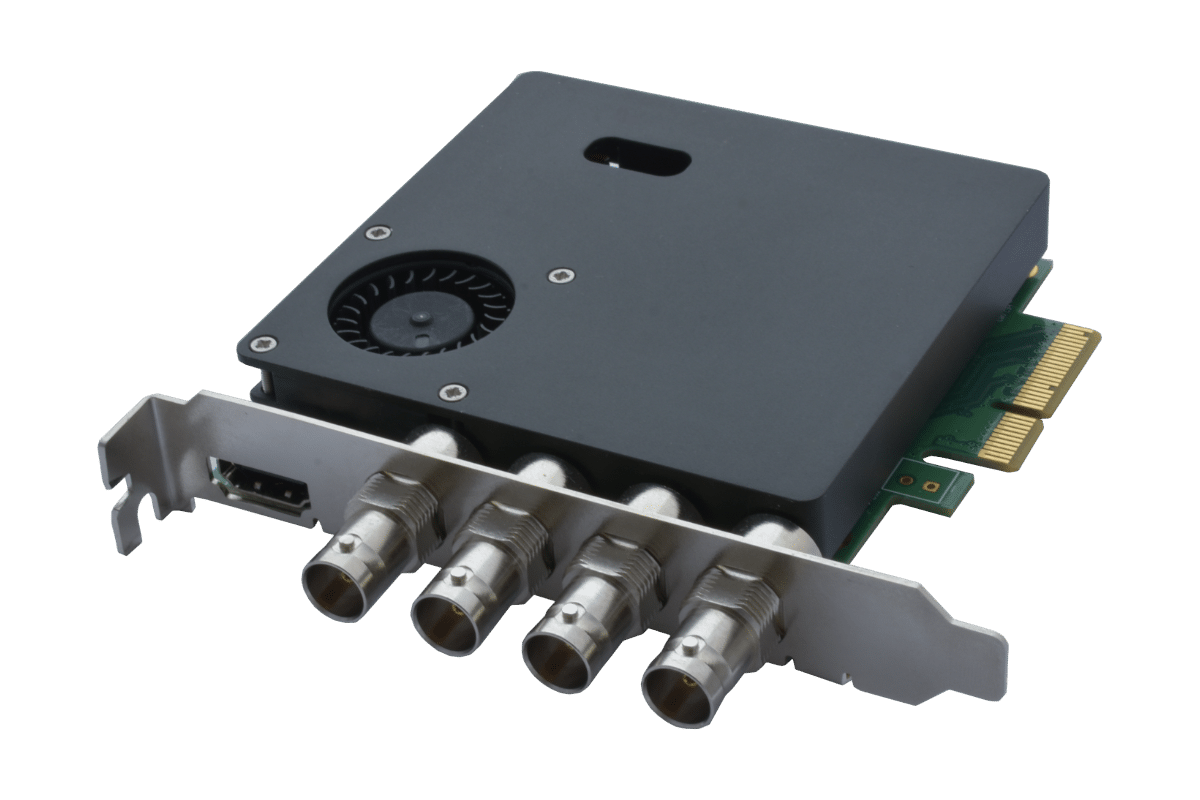
Four SDI inputs for high-performance video capture. Supports HD to 4K formats with embedded audio and HDMI loopthrough with real-time overlay.
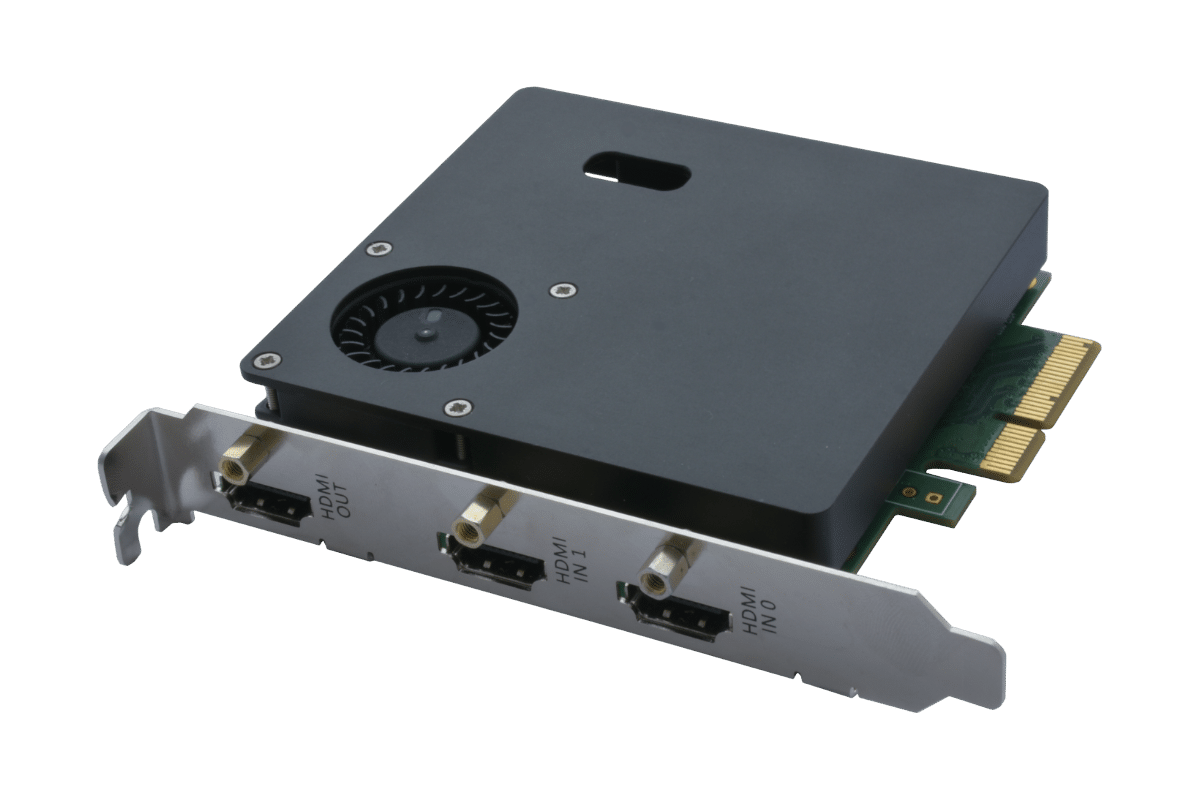
Dual HDMI inputs provide flexible 4K/HD capture, with embedded audio and real-time HDMI loopthrough.
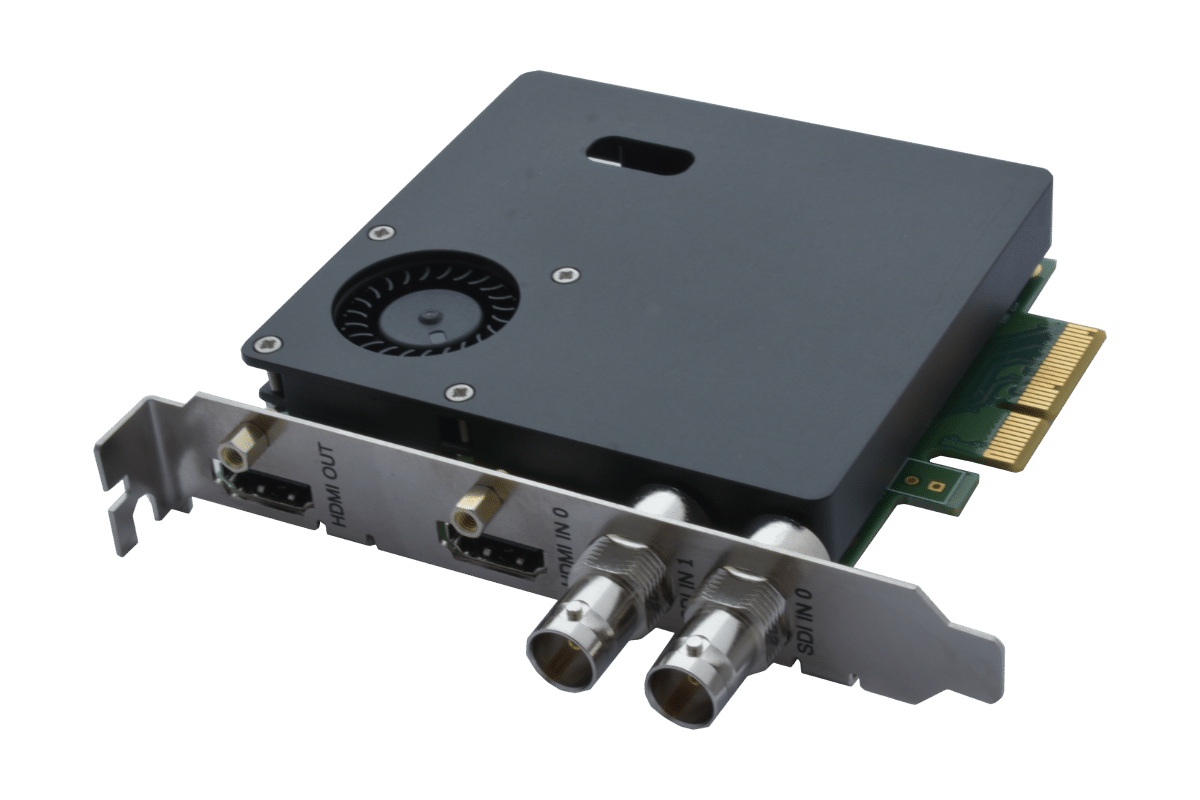
Hybrid 2 SDI + 1 HDMI inputs for versatile video capture. Supports HD to 4K formats with embedded audio, HDMI loopthrough, and real-time overlay.
Ultra‑compact CV‑400 4Kp60 camera with intuitive software, dynamic SDI/HDMI overlays, vibrant natural color, and low‑latency performance for real‑time use.
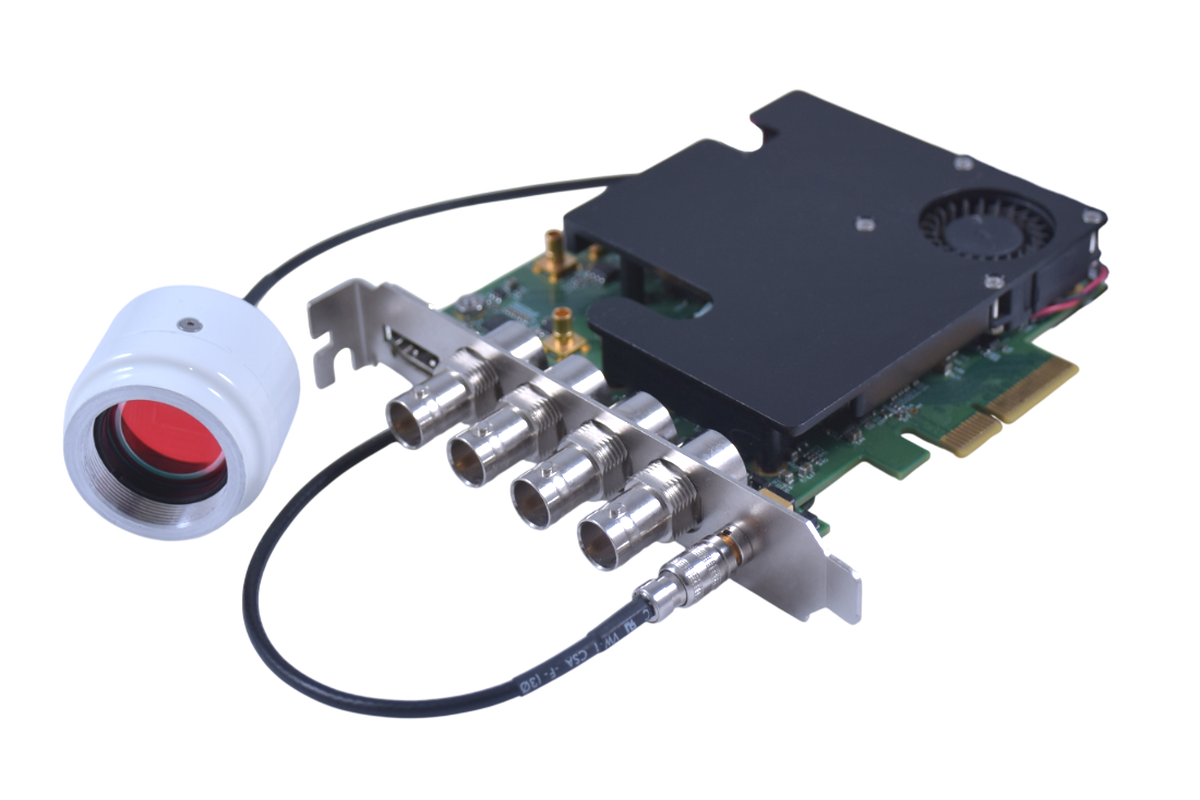
Remote head camera system with Camera Control Unit, delivering native 4Kp60 10-bit video with auto exposure, multiple SDI/HDMI outputs, and simultaneous capture, processing, and overlay capabilities for professional workflows
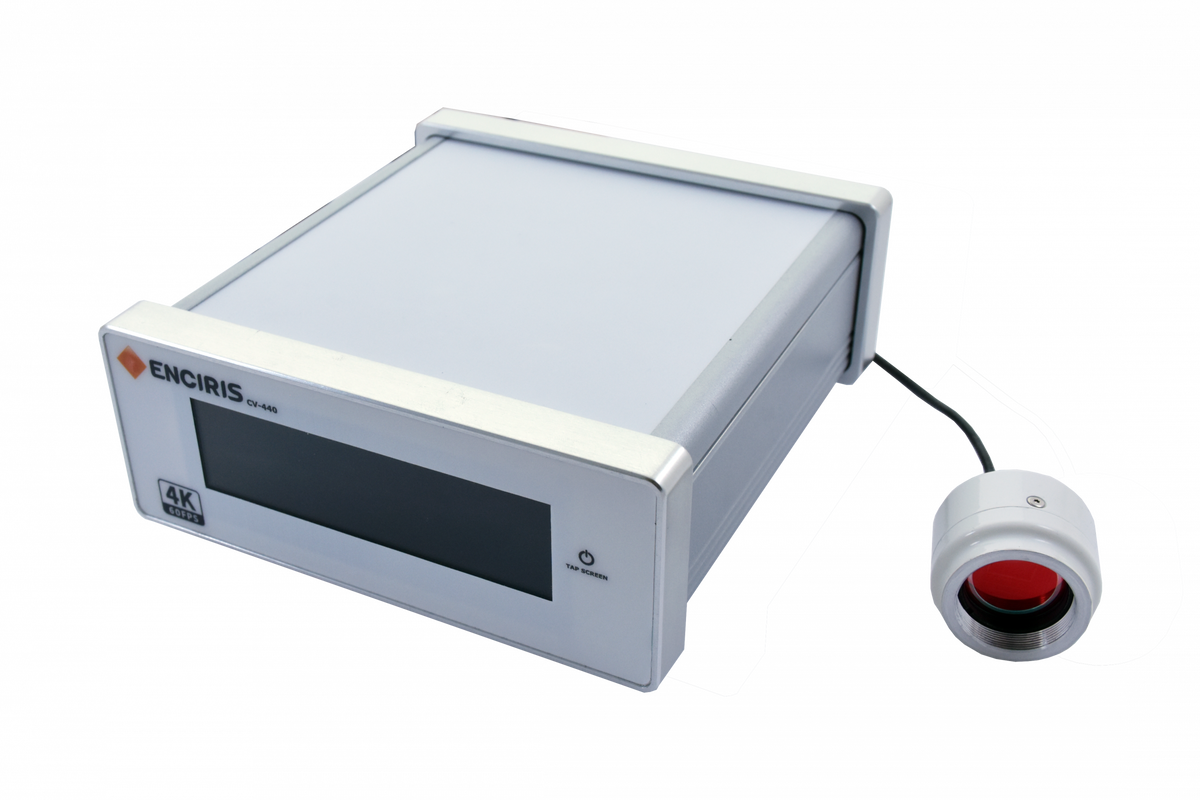
Stand-alone camera system combining a remote camera head with a compact host enclosure featuring a built-in touchscreen for control, delivering native 4Kp60 10-bit video with auto exposure and multiple SDI/HDMI outputs, ideal for independent high-performance applications.
Have a specific requirement or a long-term project ?
Our team supports you from hardware and software integration to long-term availability and product lifecycle management.
A capture card is a device that lets you record or stream video and audio from one device to another—usually from devices such as a game console, camera, or another computer to your PC.
It works by taking the video and audio signals from an external device (like a Camera, PlayStation, Xbox, or PC), converting this input into digital data, and sending that data to your computer where you can record, edit, or livestream the imported content.
Capture cards are especially popular with gamers and content creators who want high-quality video for streaming or making videos, and they help make sure your footage stays smooth and clear without putting extra strain on your computer or game system.
In medical and avionic applications they are typically used to capture video from sources like connected cameras or endoscopes.
In the context of video applications, an encoder is a crucial hardware or software component that converts raw video signals into a compressed digital format suitable for storage, transmission, or streaming.
What Does a Video Encoder Do ?
Signal Compression: Video encoders take uncompressed or analog video input and use compression algorithms (codecs like H.264, HEVC, MPEG-4) to reduce the file size while maintaining as much visual quality as possible. This step is essential for streaming and storing large amounts of video data efficiently.
Format Conversion: They can convert various input formats—such as HDMI, SDI, or composite video—into widely used compressed digital formats, making the video easy to play back on different devices or platforms.
Real-Time Processing: Many video encoders operate in real-time, enabling live streaming of video content. For example, during a live broadcast, an encoder compresses and prepares the video for direct delivery to streaming services like YouTube, Twitch, or Facebook Live.
When you want to start developing an application for our capture cards or cameras we have a common Restful API and Command Line Interface (CLI) called ecurl. This CLI is very useful because you can start developing your application straight away (before doing any coding) by using the simple ecurl commands on the PC’s command line (Windows or Linux).
For example to start the card recording you can use the ecul command below:
ecurl rec lt310:/0/sdi-in/0 -d // will start recording on logical input SDI0
For more information you can download our latest API documents, for the LT-300 or Camera products.
For the LT-300 family of capture cards as well as our CV-40 camera products we currently support NVIDIA, AMD and Intel. You can select this in the same way using our API or directly on the command line using the following ecurl command:
ecurl rec lt310:/canvas/0 –d extra.hw=nvenc
// Records video from the LT310 capture device using the NVIDIA (nvenc) hardware encoder
// amf = onboard AMD GPU, qsv = onboard intel GPU
We currently support
Windows 11, 10, 8, 7, XP as well as
Ubuntu Linux LTS 22.04 and later. We have customers using equivalent Debian versions without problems
Please Note
If you are interested in support for Mac, please let us know here or just send us an email to in**@*****is.com.
Although nearly all programming language can be used to develop your custom capture card application with our RESTful API, we provide example code and helpers for Go, C++, C# and Python.
Other programming languages can be used but they do require to have JSON video formats integrated.
EDID stands for Extended Display Identification Data. It is a standardized metadata format embedded in display devices (such as monitors, TVs, or projectors) that communicates the display’s capabilities to a video source device (like a graphics card, computer, DVD player, or set-top box).
This communication enables the source to automatically select the best compatible video output settings, such as resolution, refresh rate, color characteristics, and audio capabilities, ensuring optimal picture and sound quality without the need for manual configuration by the user.
The EDID data typically includes information about the manufacturer, product type, serial number, supported display timings and resolutions, display size, color characteristics, luminance, and pixel mapping (for digital displays). This information is stored in the display’s firmware, usually in non-volatile memory like EEPROM.
EDID is transmitted through a communication channel known as the Display Data Channel (DDC), which works over standard video interfaces such as VGA, HDMI, DVI, and DisplayPort. The source device reads the EDID data during connection or startup in a process often called an “EDID handshake,” allowing it to configure its output correctly for the connected display.
The system originated from standards published by the Video Electronics Standards Association (VESA) and has become essential for plug-and-play functionality in modern AV and computing environments. When EDID is missing or faulty, users may experience resolution mismatches or display issues.
In summary, EDID is the “identity card” of a display that helps video sources including capture cards identify and adapt to the display’s optimal capabilities automatically, enhancing user experience and compatibility across devices.
Streamers often use capture cards for several important reasons:
Connecting External Devices: Capture cards let streamers capture video and audio from devices that can’t directly run streaming software—such as game consoles (PlayStation, Xbox, Nintendo Switch), cameras, or even other computers. This makes it possible to include high-quality gameplay footage or live camera feeds on their stream.
Improved Performance: When streaming games from a console or a second PC, a capture card offloads the video encoding from the main gaming device. This helps maintain smooth gameplay without slowing down the system or causing lag, as all the resource-heavy streaming work is handled on a separate computer.
Professional Video Quality: Capture cards support high-definition resolutions and frame rates. They preserve image clarity and synchronization, which is essential for delivering a polished and professional-looking stream.
Advanced Streaming Setups: For streamers who use multiple cameras, overlays, or dual-PC setups, capture cards allow flexible mixing of video sources and seamless switching between them during a live broadcast.
For Medical: In medical use cases capture cards are often use to capture live video of operations. This is done to share information regarding procedures and well as for training purposes e.g. live display in the operating theater. But Surgeons do also often use this live display during the procedure as well. This is why latency performance is critical, since it is essential to be able to provide instant feedback for the Surgeon to judge their hand movements.
In summary, streamers use capture cards to connect external devices, achieve higher stream quality, boost performance, and support advanced multi-device streaming setups. Medical use cases have very demanding requirements in terms of latency performance.