
- Home
- Developers
- Demo lab
- Ecap
Ecap, the LT-300 capture app. Running in your browser.
Ecap (LT300 Capture) is the desktop application shipped with Enciris LT-300 series PCIe capture boards. Preview any input live, grab a JPEG or PNG still, record to MP4, route an input to the HDMI output and burn in a text or image overlay — several at once, on one or two boards. Below is the real interface, driving a simulated
LT313
board.
- 3
- live inputs on the LT313
- 4K60
- up to 4096×2160
- H.264 / HEVC
- MP4 recording
- 2
- boards in one window
Video Inputs
Recent Captures
Outputs
- Auto: Highest resolution available on the connected display.
- Full HD: Maximum resolution of 2048x1080.
- Off: Disables HDMI output.
Overlay configuration
Overlay Settings
Preview
Text
Colors
Everything Ecap can do
Pick a feature, watch it happen
Each card drives the live app above: it scrolls up, runs the feature on the simulated board and highlights where it happens.
Supported hardware
One app for the whole LT-300 series
Ecap adapts to the board it finds: same window, the inputs of your card. Up to 4096×2160p60, on Windows and Linux.
-
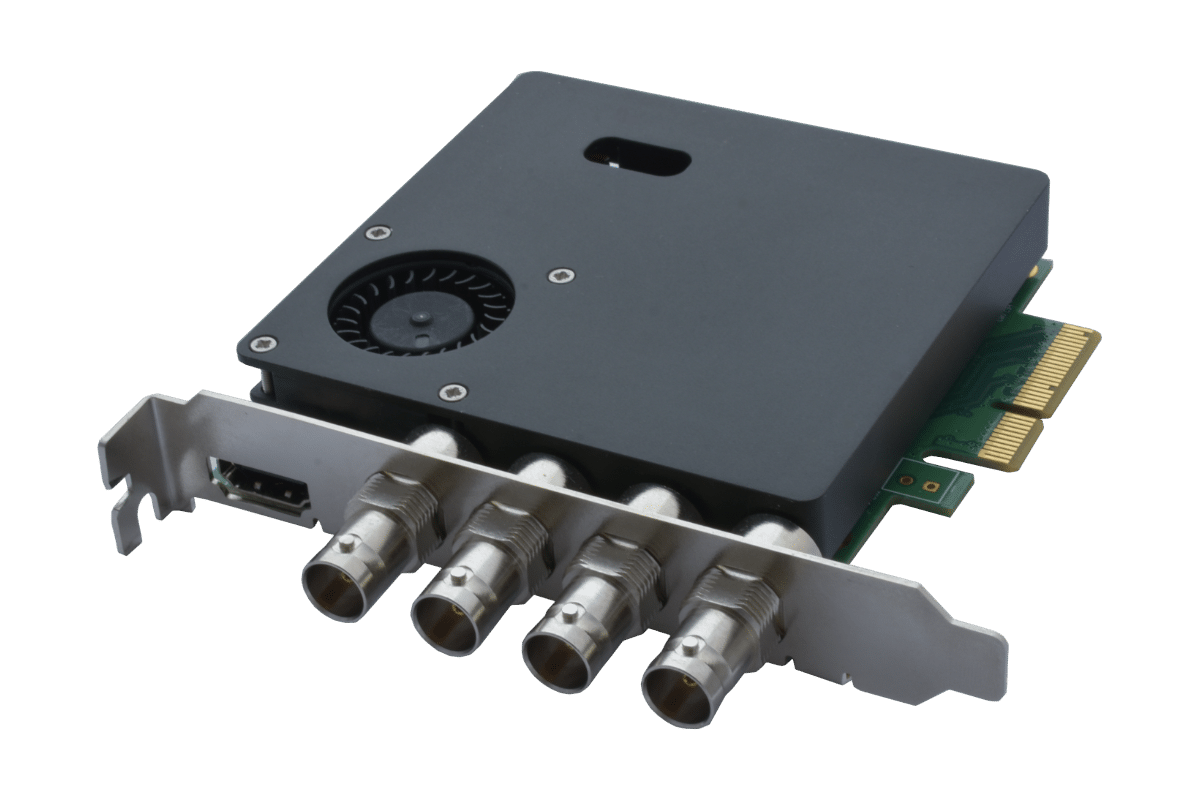
LT311
4× SDI in1× HDMI out
Four SDI cameras or sources on one half-height card.
Product page -
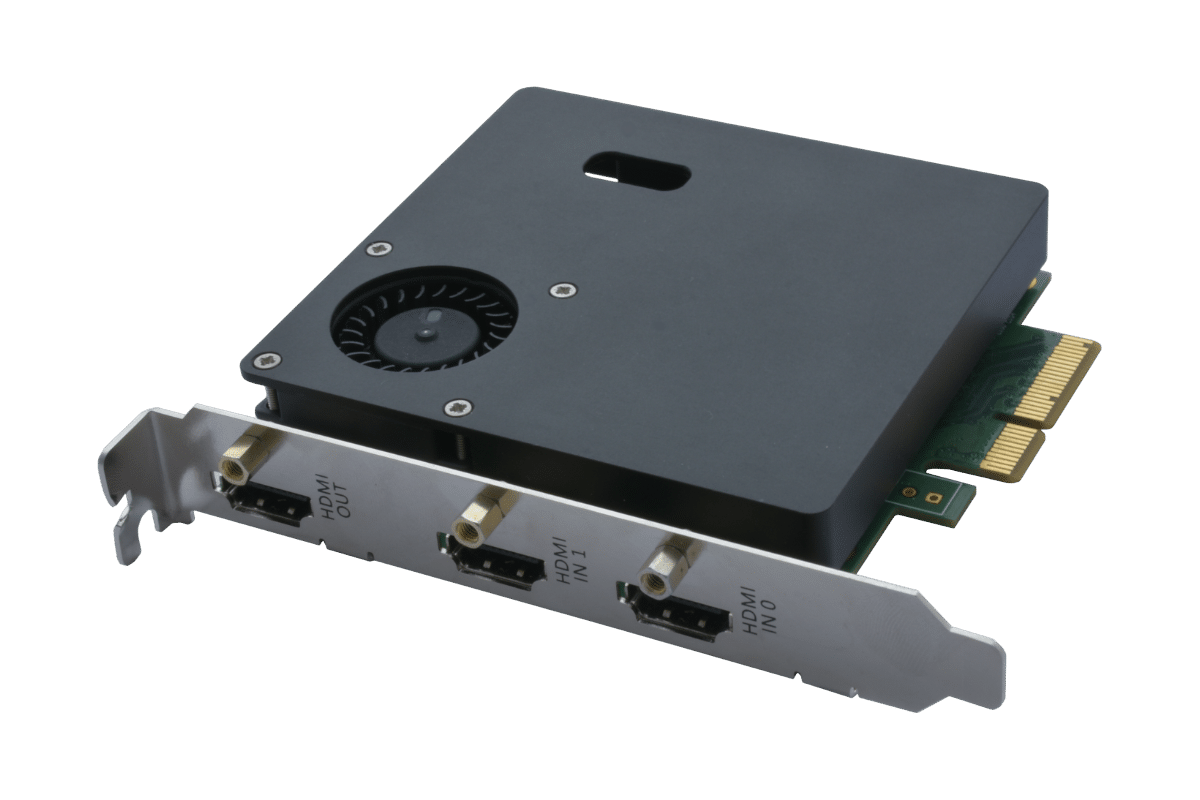
LT312
2× HDMI in1× HDMI out
Two HDMI inputs, for computers, consoles and medical displays.
Product page -
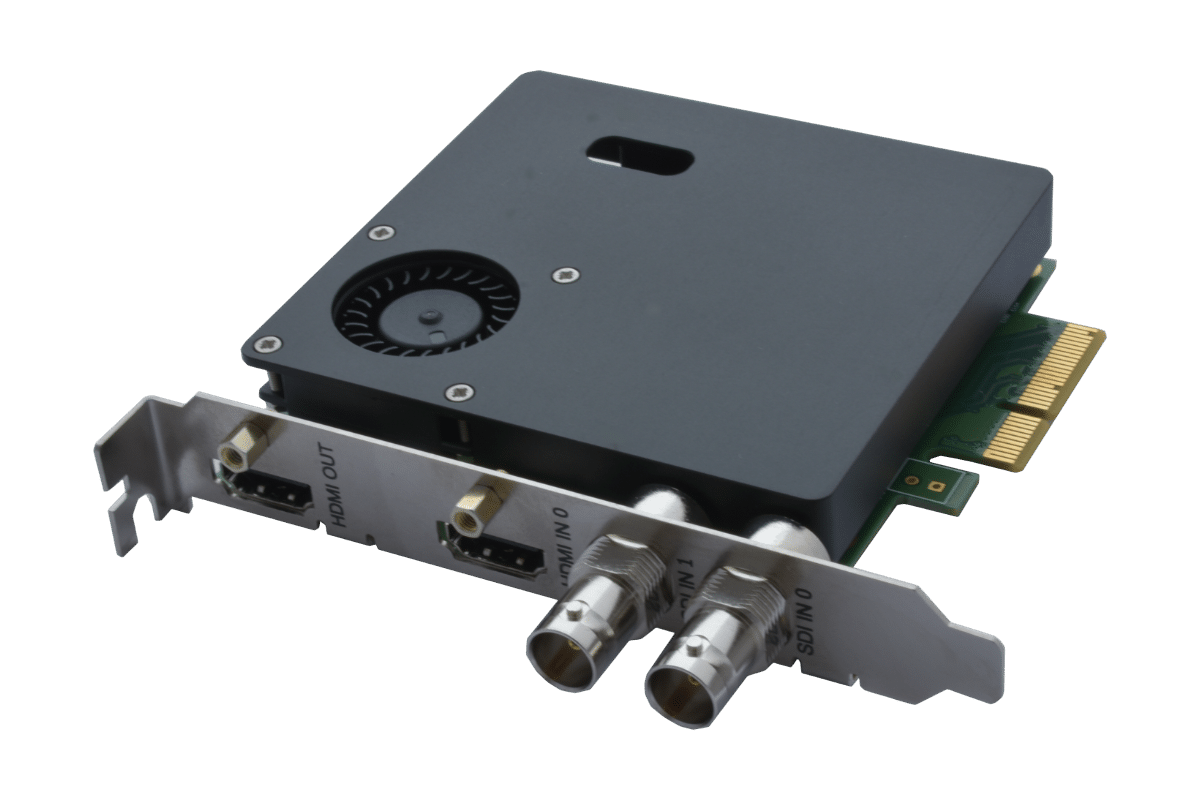
LT313 In this demo
2× SDI + 1× HDMI in1× HDMI out
Mixed SDI and HDMI capture. This is the board the demo simulates.
Product page
Under the hood
Built on the same API you get
Ecap has no private shortcuts. It talks to the board through the Enciris agent and its REST API, exactly like your own software would.
- LT-300 boardSDI / HDMI inputs, HDMI output, hardware overlay
- Enciris agentREST API on the PC: capture, record, route, overlay
- EcapThe desktop app you just tried, built on the Go API
- Your applicationC++, C#, Go, Python or plain HTTP, same calls
Seen enough? Try it on real hardware.
Our engineers will help you pick the right LT-300 board for your inputs and get capture running in your own software.