
CV-400 Professional 4K Camera Series
Modular low-power 4K camera platform
The Enciris CV-400 4K Camera Series delivers uncompromising 4Kp60 image quality with vibrant natural color in ultra-compact, low-power designs. Available as PCIe-integrated modules or standalone systems, the platform supports multiple SDI and HDMI outputs with real-time overlays, flexible lens options, and low-latency processing. Engineered for continuous 24/7 operation under extended-temperature conditions, the CV-400 series targets demanding professional, industrial, medical, aerospace, or military applications where performance, reliability, and architectural flexibility are critical.
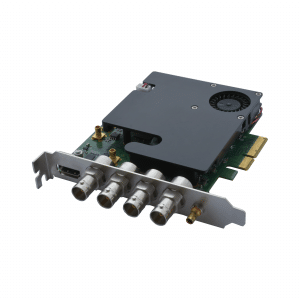
CV-420 4K Camera
Remote head camera system with Camera Control Unit, delivering native 4Kp60 10-bit video with auto exposure, multiple SDI/HDMI outputs, and simultaneous capture, processing, and overlay capabilities for professional workflows
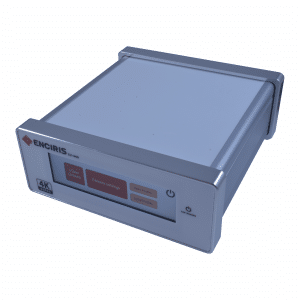
CV-440 4K Camera System
Stand-alone camera system combining a remote camera head with a compact host enclosure featuring a built-in touchscreen for control, delivering native 4Kp60 10-bit video with auto exposure and multiple SDI/HDMI outputs, ideal for independent high-performance applications.
Software & Integration
The CV-400 series is supported by a comprehensive software stack designed to simplify integration while offering advanced video processing capabilities. From low-level access to raw frames to high-level features such as compositing, recording, and HDMI overlays, the Enciris software environment provides the flexibility needed to build a wide range of professional video workflows.
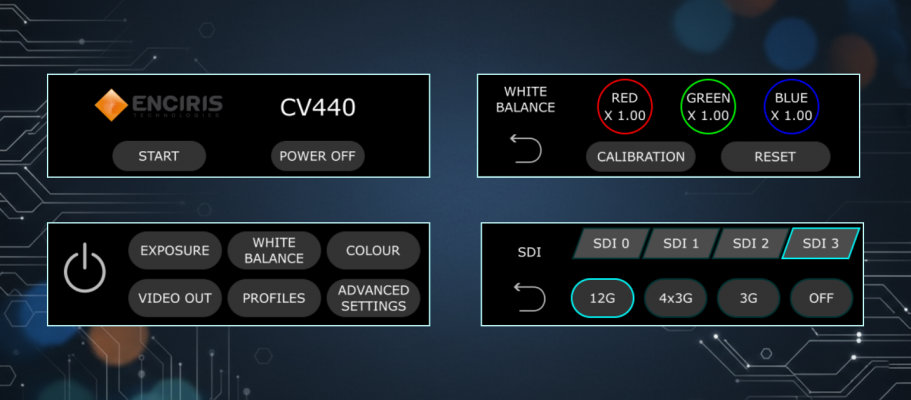
Touchscreen Interface – CV440
The CV440 is a standalone camera system designed to operate independently, without relying on the media server. It features an integrated touchscreen that provides a local user interface for camera configuration and system control.
Through this interface, users can adjust camera settings, monitor system status, and perform setup operations directly on the device. Video monitoring is handled via the video outputs of the system, while the touchscreen focuses on configuration rather than capture or processing workflows.
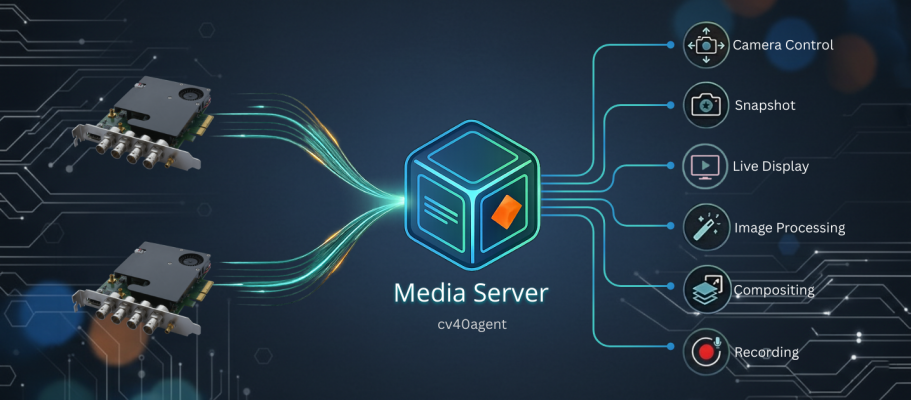
Media Server – CV420
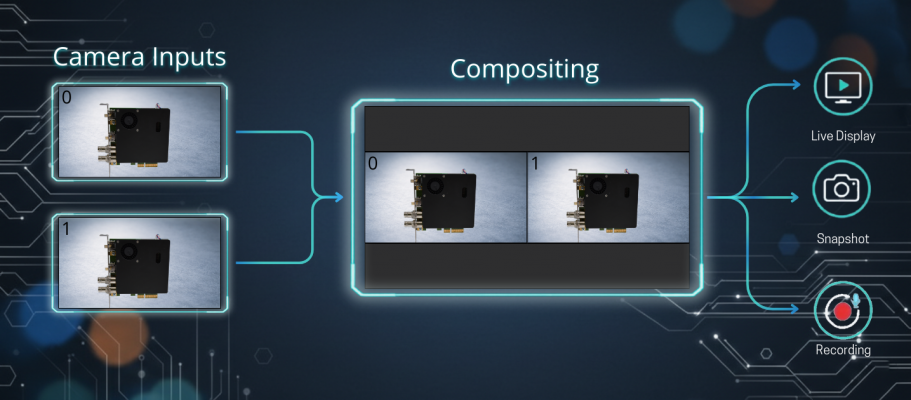
CV-420 systems are managed through a dedicated Media Server, specifically designed for this camera family. It provides unified access to video acquisition, camera controls, and processing features, along with snapshot and recording capabilities.
By abstracting hardware complexity, this Media Server exposes a single interface to acquire video, configure camera settings, and manage capture operations, allowing users to integrate CV-420 cameras easily into custom applications or automated environments.
Compositing
HDMI / SDI Overlay
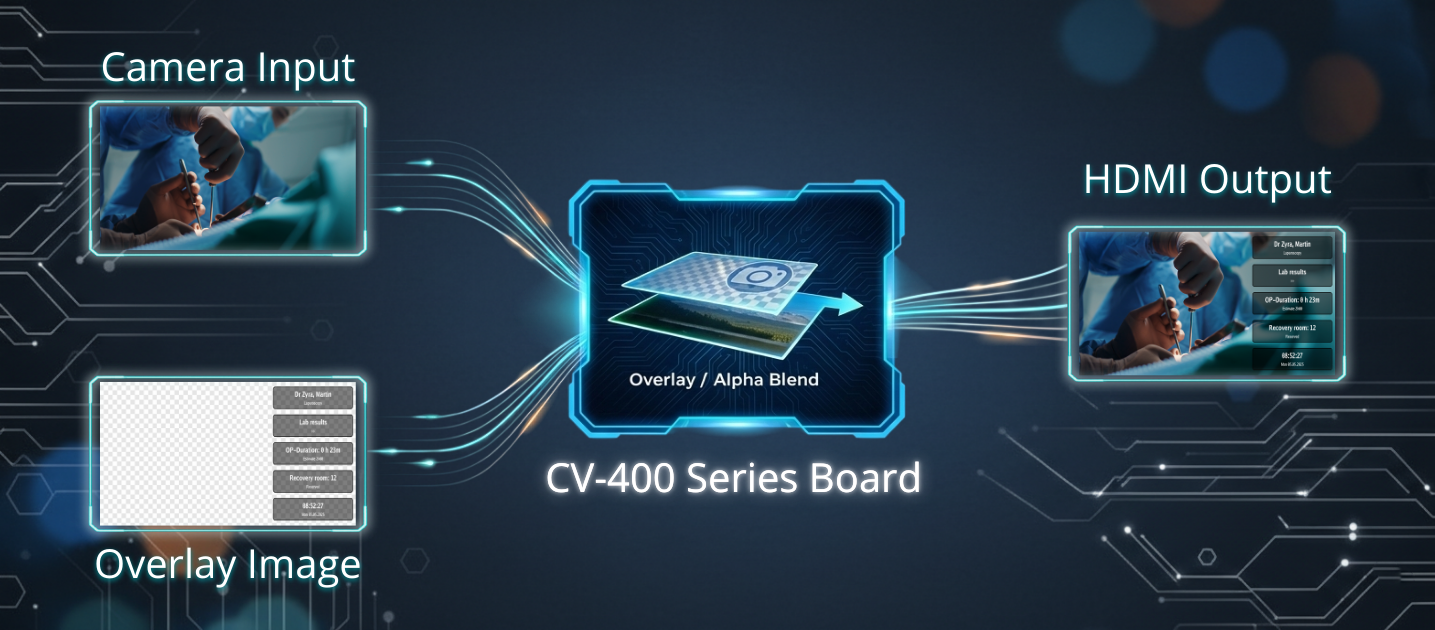
The platform includes built-in overlay capabilities that allow text, shapes, and images to be added directly onto incoming video streams. With transparency control and dynamic updates, users can integrate custom graphics or predefined templates in real time.
Overlays are applied directly to all video outputs, including HDMI and SDI, providing immediate and consistent visual feedback across all display interfaces.
APIs & Frameworks
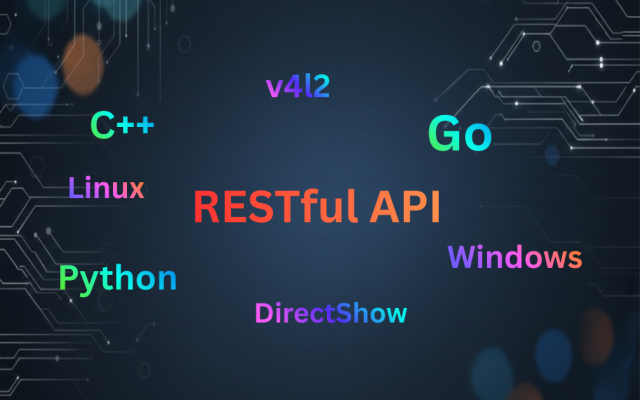
Enciris provides a RESTful API to access the Media Server features and control camera system. To simplify integration, client libraries are available in C++, Go, and Python, allowing applications to interact with the server without dealing with low-level communication details.
Support for standard multimedia frameworks such as DirectShow on Windows and V4L2 on Linux enables CV-420 cameras to be integrated easily into existing video pipelines and third-party applications.
Command-Line Interface – Ecurl
Demonstration Application – Ecam
Ecam is an interactive demonstration application built using the Enciris Go API. It provides a graphical interface to explore CV‑420 camera features, including live video acquisition, camera configuration, snapshot capture, and recording.
It is an effective tool for evaluating camera behavior and system capabilities without writing any code.
SDI Outputs
HDMI Output
Monitors Overlay
Auto exposure advanced parameters
- Enable / disable binning and/or low light boost
- Minimum and maximum limits for shutter and gain
- Metering zone